
Remote IT Fulham, London
Remote IT support for Fulham offices and staff at home
Remote IT support lets our engineers connect securely to your computer and fix the fault while you watch, wherever you work.
The basics
What is remote IT support?
Remote IT support means an engineer solves your IT problem over the internet instead of travelling to you. With your permission, they open an encrypted session to your PC, see what you see and work through the fault, from an Outlook error to a slow machine.
Nobody has to travel, so help starts sooner and you are not paying for an engineer stuck in traffic on Lillie Road.
What's included
Jobs we fix remotely
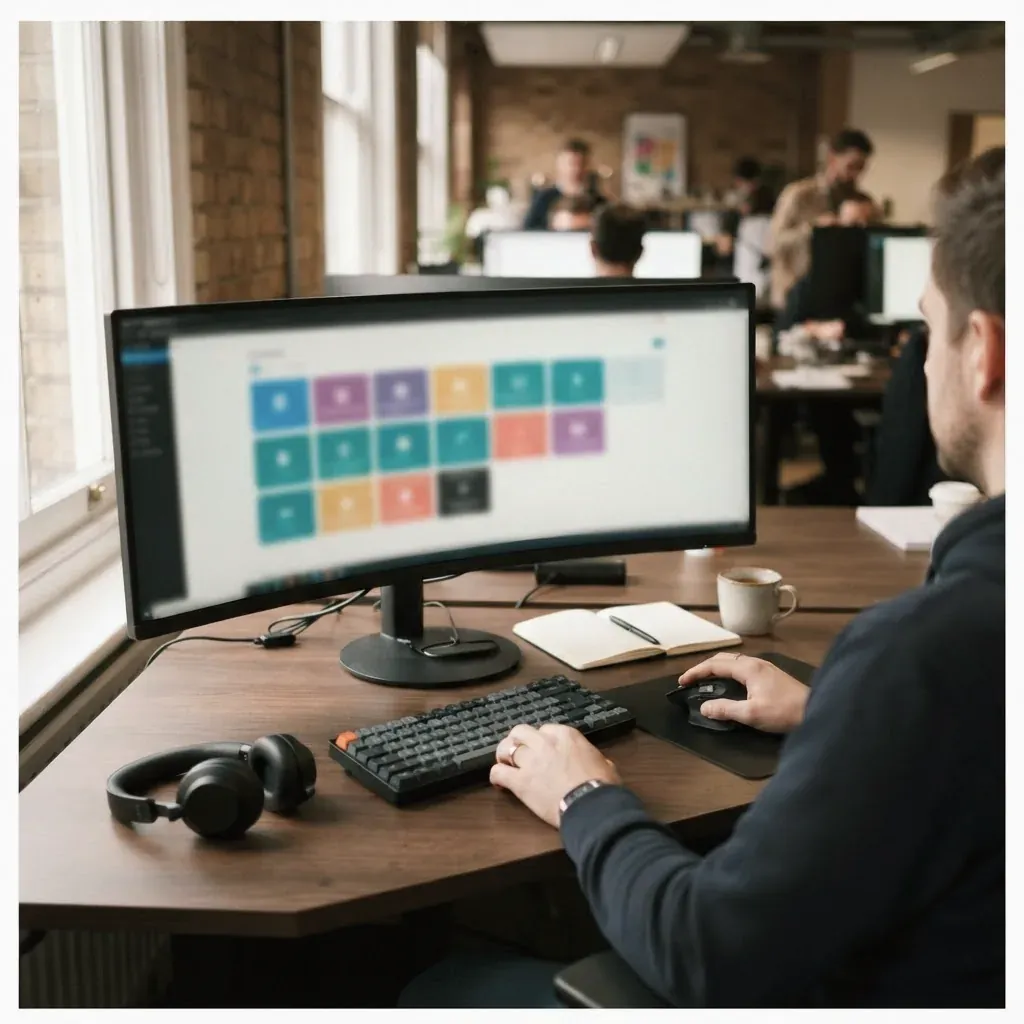
Most everyday IT problems never need a visit. These are the jobs our engineers handle from the helpdesk.
Email and Outlook
Mailbox errors, sync problems, missing calendars and shared inboxes sorted out on your own screen.
Microsoft 365 user accounts
New starters set up, leavers removed, passwords reset and licences assigned to the right people.
Software installs
Business apps installed, updated or repaired, and licences checked so you stay properly covered.
Slow or crashing computers
We find what is dragging a PC down, clear it out and check the drive for early signs of failure.
Printers and scanners
Drivers, print queues and scan-to-email settings fixed, so the office printer behaves again.
Home and hybrid staff
People working from home get the same help as those in the office, over a secure connection.
Security worries
Odd sign-ins and pop-ups investigated, and antivirus scans run while you carry on with your day.
Teams and softphones
Microsoft Teams, headsets and softphone apps set up and repaired, so calls and meetings just work.

Why it matters in Fulham
Help for your Fulham staff, wherever they sit
Plenty of Fulham teams now split the week between the office and home. When a laptop stops working at a kitchen table in Parsons Green, nobody wants to wait for a visit. A remote session gets them going again.
Remote IT support helps you:
- Get help with no visit to wait for
- Support home and office staff alike
- Keep travel time off your bill
- Watch the fix happen on screen
- See a written log of each request
How it works
A secure session, start to finish
Every remote session is encrypted and begins only when you allow it. Your engineer explains what they are doing, and the session closes when the job is done, with a note added to your ticket.
- 01
Raise a ticket
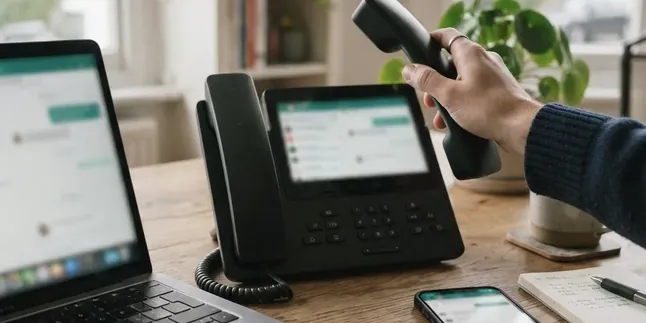
Phone the helpdesk, send an email or use the self-service portal to tell us what has gone wrong with your device.
- 02
Approve the connection
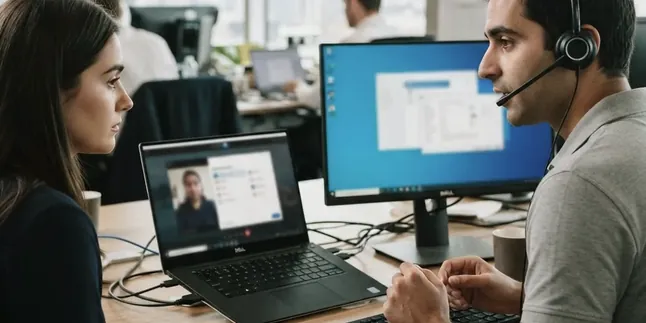
You accept a secure remote session so our engineer can see your screen. Nobody connects without your say-so.
- 03
Fix and explain
The engineer works through the fault and tells you what caused it, so you know how to avoid it next time.

- 04
Close and record
The session ends, the ticket is updated and any follow-up, such as swapping faulty hardware, gets booked in.
Our approach
Remote first, on site when needed
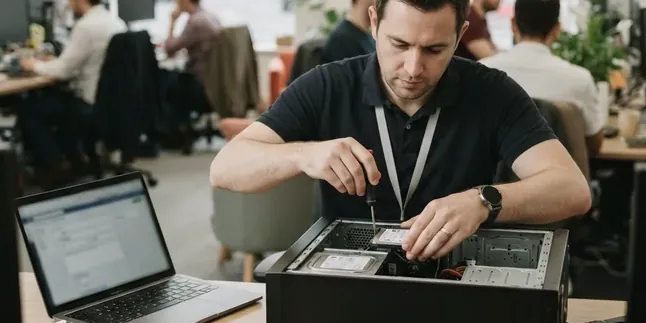
Most problems are solved from our Effie Road helpdesk. Some need hands and a screwdriver, so remote support sits alongside office visits rather than replacing them.
Engineers who know you
Your tickets go to a small team that keeps notes on your setup, so you never have to explain your network from scratch.
Part of a managed plan
Remote support comes with our managed IT services, together with monitoring, patching, backups and antivirus on every device.
Works with what you use
Windows PCs, Macs, Microsoft 365 and the specialist apps your team depends on can all be supported over a remote connection.
Frequently asked questions
Your questions about remote IT support
Is it safe to let you connect to our computers?
Yes. Sessions run over encrypted connections, need your approval to start and are closed once the work is finished. We keep to strict confidentiality rules and only open what the fix requires, nothing more.
What happens when a remote fix isn't enough?
We book an engineer to visit your office, or arrange a replacement device if the hardware has failed. The ticket stays open until it is resolved.
Do you support people who work from home?
Yes. As long as the computer has an internet connection, we can reach it, whether it is in the office, at home in SW6 or somewhere else entirely.
When is the remote helpdesk open?
The helpdesk is staffed Monday to Friday, 9am to 5pm. We reply during office hours, and extended-hours cover can be added to your plan on request if your team works later.
What does remote support cost?
Remote support is included in our managed IT plans, which have one fixed monthly cost. We quote it up front once we know how many people and devices you have, and there are no extra charges for each remote session. Ask us for a quote that covers your whole team.
Other questions
Something else on your mind? Contact us and we will help you sort it out.
Accredited IT support, independently certified.






Get in touch
Get remote help from a team in Fulham
Tell us how your team works and which devices they use, and we will show you where remote support fits. Call 020 4553 9611 or email hello@fulhamitsupport.co.uk.
Get Started