
Microsoft Copilot Fulham, London
Microsoft Copilot in Fulham, set up safely for your team
Copilot is Microsoft's AI assistant inside Word, Excel, Outlook, PowerPoint and Teams. We roll it out for Fulham businesses after checking who can see what, so it only works with data each person should reach.
In plain terms
What is Microsoft Copilot?
Microsoft 365 Copilot is an AI assistant that sits inside the Office apps. You ask in plain English and it drafts text, sums up long threads, analyses data and finds information across your work account.
Copilot Chat, the free version for work accounts, answers questions using the web. The paid Copilot licence adds your own files, emails, chats and meetings.

What it does
Practical AI inside the apps you use
Copilot doesn't ask your team to learn a new tool. It appears in Word, Excel, Outlook, PowerPoint and Teams, and works from the documents and conversations your business already has.
Grounded in your work
Answers draw on your own emails, files and meetings, so suggestions reflect how your business actually runs.
Quicker first drafts
Start a proposal, letter or reply from a short prompt, then edit it rather than staring at a blank page.
Sharper analysis
Ask questions about a spreadsheet in everyday language and get the trends, totals and odd figures explained.
Less admin
Let Copilot write meeting notes, list agreed actions and pull together status updates, so people spend more time on client work.
Why it matters in Fulham
Keep your Fulham data in the right hands
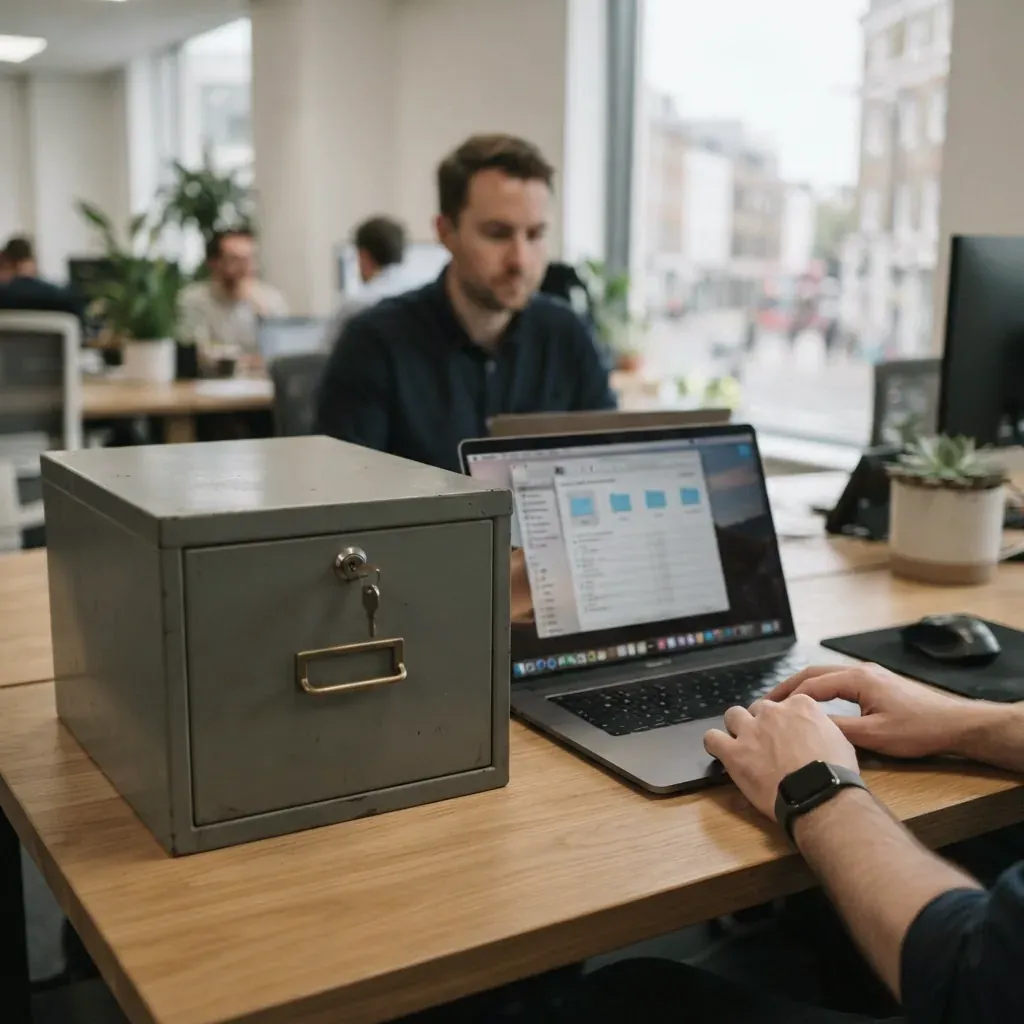
Copilot respects the permissions already in your Microsoft 365 account, which is only safe if those permissions are right. A folder of HR records or client contracts can sit open to the whole company unnoticed. Our readiness check finds and closes those gaps before you buy licences.
Copilot helps your team:
- Catch up on long email chains
- Get a summary of a missed meeting
- Make sense of a spreadsheet
- Turn a document into a slide deck
- Use AI without leaking company data
Common questions
Microsoft Copilot questions, answered
What is Microsoft 365 Copilot?
It's an AI assistant built into the Microsoft 365 apps. It drafts and rewrites text, summarises emails and documents, analyses spreadsheets and searches your work files and chats for the information you need.
What separates free Copilot Chat from the paid Microsoft 365 Copilot?
Copilot Chat comes with Microsoft 365 work accounts and handles web-based questions securely. Microsoft 365 Copilot is a paid add-on that works inside Word, Excel, Outlook and Teams and can draw on your own business content.
What happens to our data when we use Copilot?
Copilot can only reach content a user already has permission to open, and your prompts and data stay within your Microsoft 365 tenant. Microsoft states that business data isn't used to train its AI models.
What happens during a Copilot readiness check?
We look at sharing settings across OneDrive, SharePoint and Teams, find sensitive files that are open too widely and tighten access. We also check your licences and security settings, so Copilot launches on a tidy, well-organised account.
What does Copilot add to a Teams meeting?
It can sum up what was discussed, list decisions and actions, and answer questions such as what was agreed on pricing, even if you joined late.
Is Copilot useful for spreadsheets?
It explains what your data shows, highlights trends, suggests formulas and builds charts, all from questions typed in plain English.
Should we buy a licence for every member of staff?
No. It often makes sense to start with a handful of licences for the staff who write, analyse or meet the most, then expand once you see the benefit. We help you choose who goes first.
Isn't a free AI chatbot good enough?
Free tools may store or reuse what people paste in, including client details. Copilot keeps that work inside your own Microsoft 365 account, under your security settings.
Can you roll Copilot out for our Fulham office?
Yes. We roll out Microsoft Copilot for businesses across Fulham, including the readiness check, licensing, permissions and hands-on training for your staff.
Still curious?
Got a question about Copilot? Ask us and we'll explain how it fits.
Microsoft certified, independently accredited.






Get in touch
Roll out Microsoft Copilot in Fulham
Tell us which tasks eat up your team's week. We'll check your Microsoft 365 permissions, suggest who should get licences first and train them to use Copilot well. Call 020 4553 9611 or email hello@fulhamitsupport.co.uk.
Get Started Today