
Microsoft Teams Fulham, London
Microsoft Teams in Fulham for chat, calls and meetings
We set up Microsoft Teams for Fulham businesses, from chat and video meetings to shared files and Teams Phone, so your staff can talk and work together securely from the office, home or anywhere else.
Overview
What is Microsoft Teams?
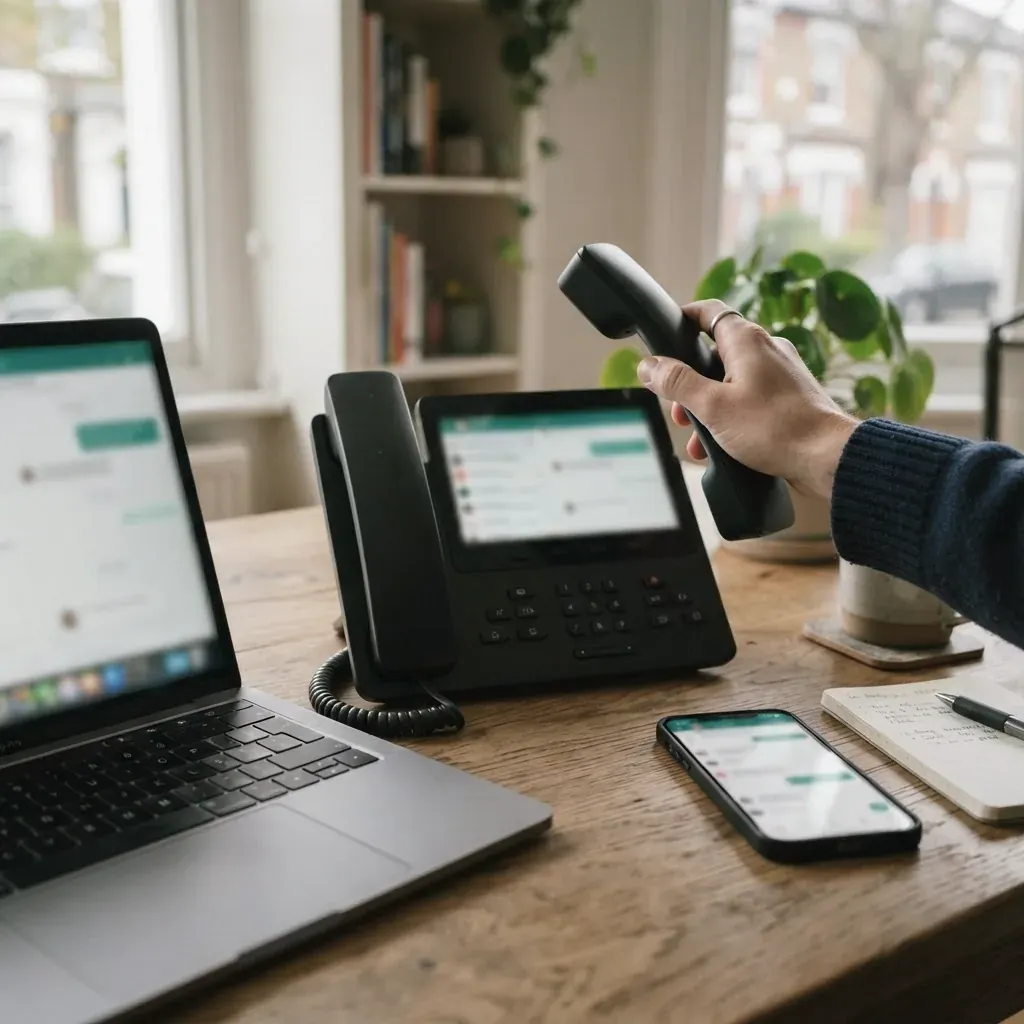
Microsoft Teams is the chat, meeting and calling app inside Microsoft 365. It keeps conversations, shared documents and calendars together, and with Teams Phone it becomes a full business phone system that rings landlines and mobiles.
Staff can use it at their desk, at home or on their phone. We configure it around how your business is organised and keep it running properly once it's live, with engineers you can call when something stops working.
Start using Microsoft Teams properly
Teams replaces a scatter of email threads, separate meeting tools and ageing phone lines with one app. Because Fulham IT Support also looks after managed IT, telecoms and cyber security, we can set up Teams together with your broadband, phones and security settings, so each part supports the others from the first day.
Get Started TodayWhat you get
Everything your team needs in Microsoft Teams
Chat, meetings, calls and shared files sit in one app, linked to OneDrive and SharePoint, so colleagues can find what they need and work on it together from any device.
Instant messages and calls
Message a colleague, start a voice call or switch to video in a click, whether they sit nearby or work from home.
Shared files in one place
OneDrive and SharePoint sit behind Teams, so several people can open and edit one document together.
Meetings large and small
Run meetings for up to 300 attendees with screen sharing, recording and breakout rooms.
Apps and workflows
Connect tools such as Planner, Power Apps and Trello to handle approvals, projects and support requests.
Protected by Microsoft 365
Encryption, multi-factor sign-in and compliance controls help keep shared chats and documents secure.
On any device
Desktop, laptop, tablet or phone, staff get the same Teams experience wherever they log in.
Less email clutter
Channels give each team, project or client its own thread, so decisions don't vanish inside inboxes.
A connection you can count on
Run Teams over our business broadband or a leased line so meeting audio and video stay sharp.
The benefits
What Microsoft Teams does for your business
Teams changes the shape of a working day: fewer emails, faster answers and colleagues who stay in touch wherever they are. We plan it around your managed IT, telephony and security, so it runs properly from the start rather than growing in a muddle.
- 01
Sharper client meetings
Host polished video calls with blurred or branded backgrounds and live captions, or run a webinar for prospects. On a stable connection, the call quality holds from hello to goodbye.
- 02
One shared workspace
Give each department, project or client its own channel. An estate agency, for example, could keep every enquiry about a property in one place instead of spread across five inboxes.
- 03
Projects that hit deadlines
Add Planner or Asana to Teams to assign tasks and track progress in the same app. A design studio could keep briefs, feedback and deadlines side by side so nobody misses a change.
- 04
A simpler set of tools
Teams covers chat, meetings, calls and file sharing, so some separate subscriptions can go. With Teams Phone, two offices can share one phone system without any on-site hardware to maintain.
- 05
Work from wherever
Staff join from the office, home or the road on any device. A property maintenance firm could keep engineers on site and staff at base talking in the same app all day.
- 06
Secure from the start
Chats, calls and files are encrypted, and our cyber security team checks the settings, so sensitive information stays protected whenever it's shared.
Why it matters in Fulham
Get Teams right for your Fulham office
Teams tends to spread through a business with no plan behind it. Files end up in three places, staff email attachments because they doubt the channel copy, and the main number rings one desk. A clear setup gives every file one home and lets calls find people.
Microsoft Teams setup helps you:
- Give every file a single home
- Route callers to whoever can help
- Move off lines hit by the PSTN switch-off
- Limit what outside guests can open
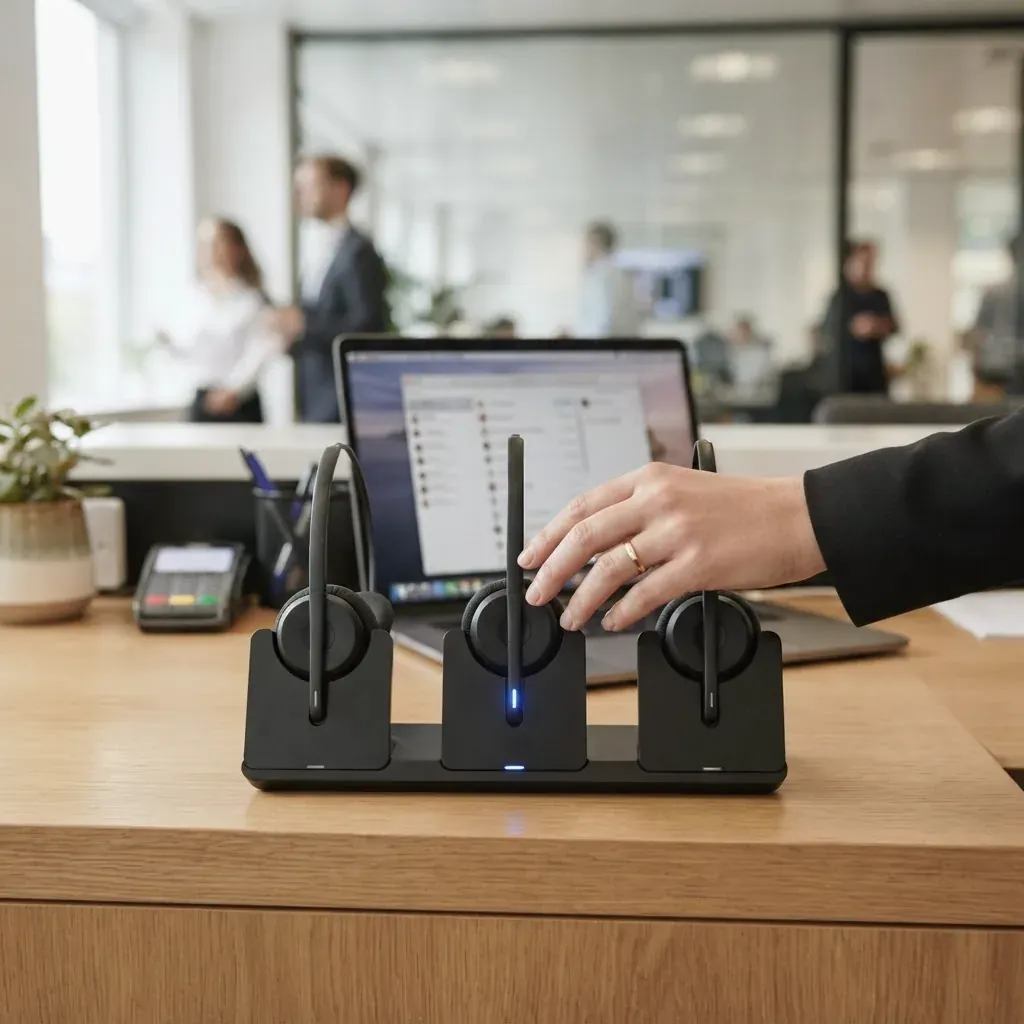
- Run hybrid meetings from proper meeting rooms
FAQs
Your Microsoft Teams questions
What is Microsoft Teams?
Teams is Microsoft's app for chat, video meetings, calls and file sharing, included in Microsoft 365. It brings conversations, documents and calendars into one place, so people can collaborate in the office, from home or on the go.
Does Microsoft 365 include Teams?
In most cases, yes, though some newer licences sell Teams as a separate add-on. We'll look at the licences you already pay for and confirm they cover what you need.
What is Teams Phone?
Teams Phone adds full business calling to the Teams app. Staff call landlines and mobiles from a laptop, desk handset or the mobile app, and incoming calls reach them wherever they are working.
Will Teams Phone help with the PSTN switch-off?
Yes. The UK's old copper phone network is being retired, and Teams Phone moves your calls onto the internet instead. We plan the move so your existing numbers carry on working.
What is the size limit for a Teams meeting?
Business plans allow up to 300 attendees in a meeting, with screen sharing, recording, captions and breakout rooms available.
Can we share files with clients through Teams?
Yes. You can add guests to chosen channels, and we set permissions so clients and suppliers see only the files and chats meant for them.
Why does our team still send files by email?
Usually because the same file exists in several places and nobody knows which is current. We build a simple structure across Teams, OneDrive and SharePoint so each document lives in one trusted spot.
Does Teams work with our other apps?
Yes. Teams links with Planner, Asana, Trello, Power Apps and many other tools, so tasks and projects can be handled without leaving it.
Can you set up Teams for our Fulham office?
Yes. We set up and support Teams for businesses across Fulham, covering channels, permissions, calling and meeting rooms, and we stay on hand once it's running. Our office is on Effie Road, by Fulham Broadway.
Something else?
Don't see your question? Get in touch and an engineer will talk it through with you.
Microsoft certified, independently accredited.







Talk to us
Get Microsoft Teams set up in Fulham
Tell us how your team works today and we'll shape Teams around it, from channels and file sharing to calls and meeting rooms. Call 020 4553 9611 or email hello@fulhamitsupport.co.uk.
Get Started Today